Single vs Dual Channel RAM for Gaming: How Much FPS You Lose
Dual channel RAM (two memory sticks) is faster for gaming than single channel (one stick). In TechSpot’s test with DDR5-6000 and an RTX 5090, one stick lost 12% average FPS and 16% in 1% lows at 1080p across 13 games, and up to a third of the FPS in the worst cases. The fix is simple: use two matching sticks in the right slots.
This guide explains what single and dual channel mean, how much FPS you lose with one stick, how to check your own PC and how to set up dual channel correctly. To see whether your memory or your processor is the real limit, run your parts through our free bottleneck calculator.
Last updated: November 2026
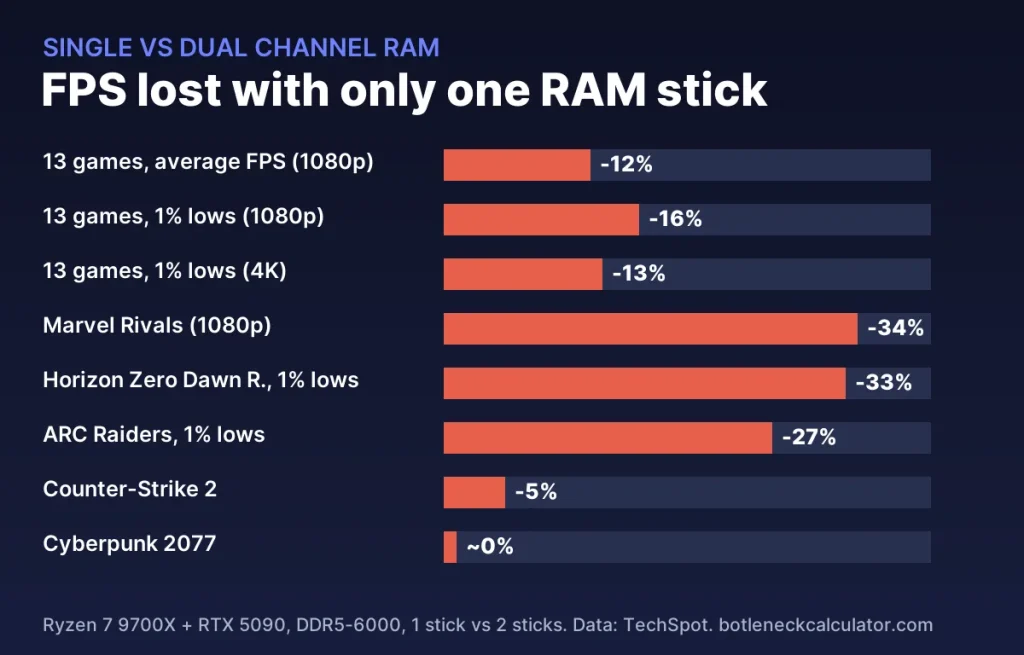
Table of ContentsShow or hide all 7 sectionsShowHide
What is single channel and dual channel RAM?
Desktop processors from AMD and Intel have two memory channels, two separate paths between the CPU and the RAM. With one stick, only one path is used. This is single channel. With two matching sticks in the right slots, both paths work at the same time. This is dual channel, and it roughly doubles memory bandwidth.
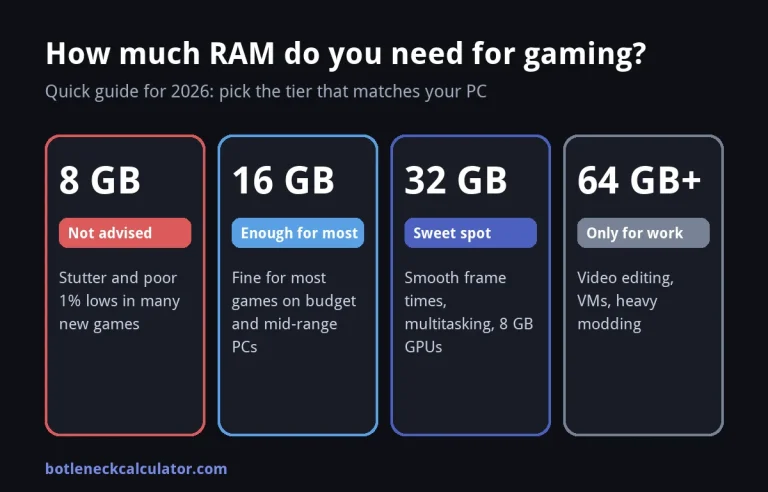
Capacity is a separate question. 1 × 16 GB and 2 × 8 GB both give you 16 GB, but the two-stick kit runs in dual channel and is faster. Our guide on how much RAM you need for gaming covers capacity.
How much FPS do you lose with one RAM stick?
TechSpot tested a Ryzen 7 9700X with an RTX 5090 and a 32 GB DDR5-6000 CL30 kit, once with both sticks and once with one, in 13 games.
| Result | Single channel vs dual channel |
|---|---|
| 13-game average, 1080p | 12% lower average FPS, 16% lower 1% lows |
| 13-game average, 1440p | Small difference |
| 13-game average, 4K | 9% lower average FPS, 13% lower 1% lows |
| Marvel Rivals, 1080p medium | 129 FPS instead of 195 FPS |
| Horizon Zero Dawn Remastered | 1% lows 33% lower at 1080p |
| ARC Raiders | 1% lows 27% lower at 1080p |
| Counter-Strike 2 | At most about 5% lower |
| Cyberpunk 2077: Phantom Liberty | Almost no difference |
Corsair found a smaller gap with a Ryzen 7 9800X3D, whose large cache needs memory less often: Cyberpunk 2077 ran at 63 vs 64 FPS, while Marvel Rivals still dropped from 145 to 125 FPS in the 1% lows. Corsair also notes that the gap was bigger with older DDR4 memory, where 20–30% was common.
Why some games lose more than others
- CPU-heavy games lose most. When the processor is the limit, it waits for memory more often, so bandwidth matters. That is why competitive and open-world games at 1080p show the biggest drops.
- 1% lows suffer more than averages. Busy scenes need a lot of data at once, so single channel shows up as stutter first. Read what 1% lows are.
- GPU-limited games lose little. If the graphics card is the limit, as in Cyberpunk 2077 with ray tracing, memory speed hardly matters.
- Integrated graphics lose the most. Laptop and APU graphics use system RAM as video memory, so single channel can hold them back badly. Many budget laptops ship with one stick, and adding a second is often the cheapest upgrade.
How to check if your RAM runs in dual channel
- Press Ctrl + Shift + Esc to open Task Manager, click Performance and then Memory.
- Look at Slots used. “1 of 2” or “1 of 4” means a single stick, so single channel.
- For a definite answer, open the free tool CPU-Z and check the Memory tab. DDR4 shows “Dual” under Channel. DDR5 shows “4 x 32-bit” in dual channel and “2 x 32-bit” with one stick, because each DDR5 stick has two smaller sub-channels.
Our guide on how to check your PC specs on Windows 11 shows the other memory details.
How to set up dual channel correctly
- Use two matching sticks, ideally from one kit. Mixing different sticks can cause instability or force both to run at the slower speed.
- Use the right slots. On most boards with four slots these are A2 and B2, usually the second and fourth slot from the processor. Your motherboard manual shows the exact slots.
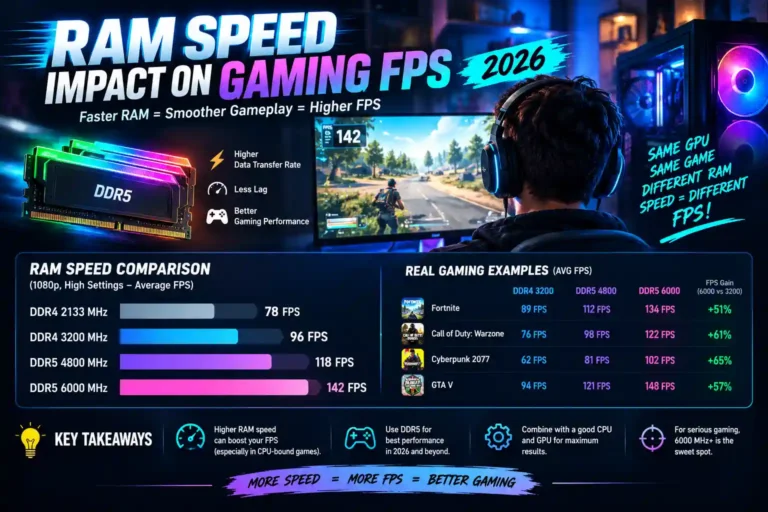
- Turn on XMP or EXPO in the BIOS so the memory runs at its rated speed instead of a slow default. See how RAM speed affects FPS. See how to enable XMP or EXPO.
- Check again in Task Manager or CPU-Z that both sticks are detected and running in dual channel.
Is one RAM stick ever okay?
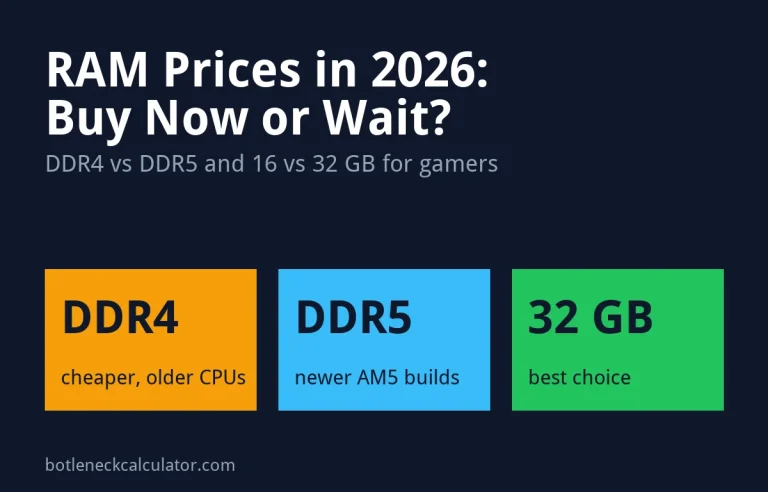
As a short-term fix, yes. Memory prices have risen sharply: TechSpot reports a 32 GB DDR5 kit going from about $120 to $270. Its test found that a single 16 GB stick did not make any game unplayable, so buying one stick now and a matching second one later can save money. Read more about RAM prices for a gaming PC in 2026.
The risk is that the exact same stick may be hard to find later, and a different one may not run well together. If you can afford it, a two-stick kit is the safer choice.
Wondering what else limits your FPS? Check your CPU and graphics card balance in our bottleneck calculator and the expected frame rate in the FPS calculator.
Sources: TechSpot – Single stick vs dual channel RAM; Corsair – Is one stick of RAM enough? Single and dual channel memory explained.
Frequently asked questions
Is dual channel RAM better for gaming?
Yes. Two sticks double the memory bandwidth, which raises FPS and especially 1% lows in CPU-heavy games. In TechSpot’s test, one stick was 12% slower on average at 1080p and 16% slower in 1% lows.
Is 2 × 8 GB better than 1 × 16 GB?
For speed, yes, because two sticks run in dual channel. But 16 GB is the minimum for modern games, so 2 × 16 GB is the best choice for a new gaming PC.
Can single channel RAM cause stuttering?
It can. The 1% lows drop more than the average FPS, so games may feel less smooth in busy scenes even when the average looks fine.
Which slots should I use for two RAM sticks?
On most four-slot motherboards, slots A2 and B2, which are usually the second and fourth from the processor. Always check your motherboard manual.
Can I add a second stick later?
Yes, but buy the same model, size and speed if possible. Different sticks may not run together at full speed, and some combinations are unstable.
Does dual channel matter on laptops?
Even more, especially with integrated graphics, which use system RAM as video memory. Check whether your laptop has a free memory slot before you buy a second stick.