Is Your Power Supply Too Weak? 8 Signs and How to Check (2026)
A power supply that is too weak or failing usually shows itself as sudden shutdowns or restarts during gaming, not as lower FPS. If your PC turns off under heavy load, will not start after a graphics card upgrade, or crashes when the GPU works hardest, check the power supply. Rule out overheating first, then test the PSU and compare its wattage with what your parts need.
This guide lists the most common signs, shows how to check your power supply step by step, and explains what to do next. To see how much wattage your build needs, use our free PSU wattage calculator. To check your CPU and graphics card balance, try our bottleneck calculator.
Last updated: November 2026
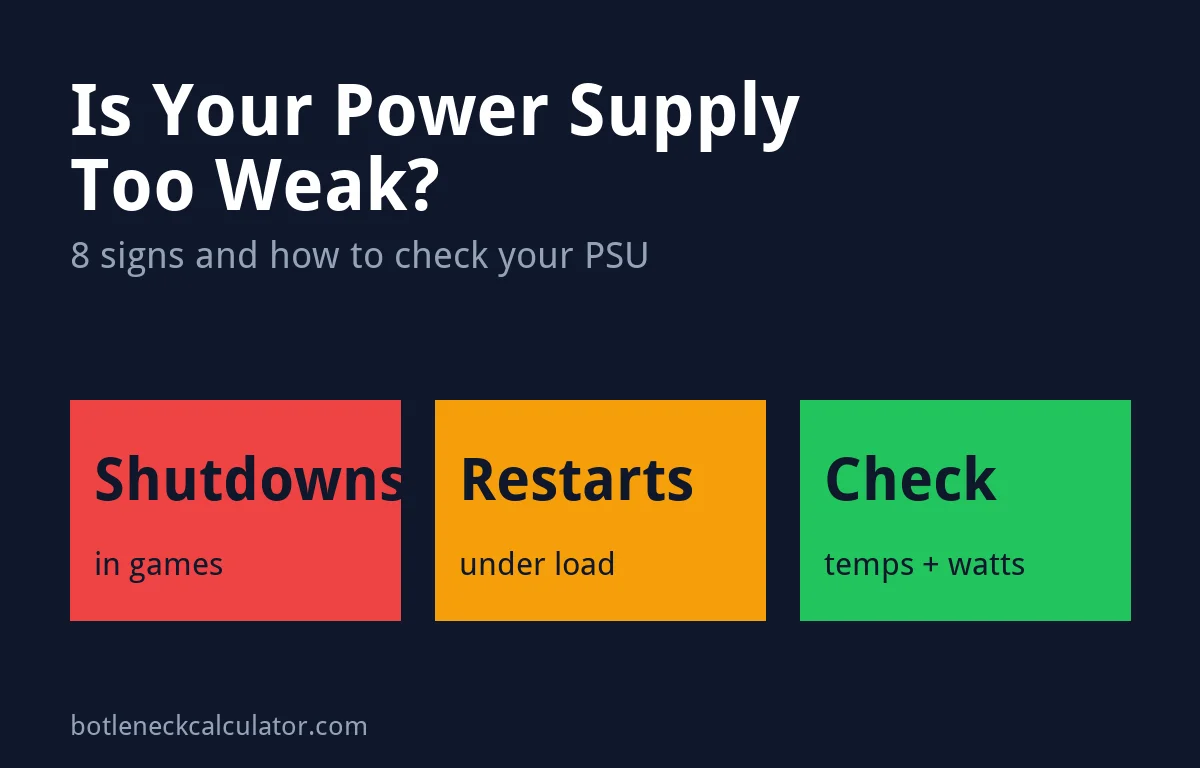
Table of ContentsShow or hide all 6 sectionsShowHide
Signs your power supply is too weak or failing
- The PC shuts off during games. The screen goes black and the PC powers off completely, and you must press the power button to start it again. This often happens only when the CPU and graphics card are both under heavy load.
- The PC restarts under load. It reboots in the middle of a game, a benchmark or a stress test.
- Crashes at moments of high load. Shutdowns that happen in loading screens, busy scenes or when a game starts can point to short power spikes from the graphics card.
- The PC will not start after a GPU upgrade. Fans may spin briefly, or nothing happens, because the new card needs more power or cables than the old one.
- Shutdowns when a big appliance starts. If the PC turns off when an air conditioner, heater or vacuum turns on, the problem may be a voltage drop (brownout) in your home wiring, not the PC itself.
- Clicking, buzzing or loud whine from the PSU. Some coil whine is normal, but new loud noises from the power supply are a warning sign.
- A burning smell. Turn the PC off and unplug it right away. Do not keep using it.
- The problems started as the PSU got older. Power supplies wear out over the years, so an old unit that was fine before can start to struggle.
Can a weak power supply cause low FPS?
Usually not. A power supply either delivers enough power or it does not, and when it cannot keep up the PC tends to crash or shut down rather than run slower. If your FPS is low but the PC is stable, the cause is more likely your CPU, graphics card, RAM or settings. Our guides on CPU bottlenecks and low GPU usage can help you find the real limit.
How to check if your power supply is the problem
- Rule out overheating first. Watch CPU and GPU temperatures while you play. NZXT notes that if the CPU climbs toward the high 90s °C before a shutdown, cooling is the problem, not power. See normal CPU temperatures and the safe GPU temperature range.
- Check how the shutdown looks. A full power-off that needs the power button points to power. A blue screen or an automatic restart points more to drivers, software or unstable settings.
- Compare the wattage. Find your PSU’s rating on its label and compare it with your parts in our PSU calculator. Our guide on how many watts you need explains the numbers.
- Check the cables. Make sure every graphics card power connector is pushed in fully. On cards with the 16-pin connector, a loose plug can make the card shut itself down.
- Test the wall power. Try another outlet or circuit, and avoid sharing a circuit with big appliances. NZXT suggests connecting the PC directly to the wall for this test only.
- Run a power stress test. The free tool OCCT has a Power test that loads the CPU and graphics card at the same time to expose a weak or failing PSU. If the PC shuts down, run it again to confirm.
Why new graphics cards need more headroom
Graphics cards do not draw a steady amount of power. For a split second they can pull much more than their rated power, which is called a transient spike. Tom’s Hardware measured the RTX 5090, a 575 W card, spiking up to 659 W in Cyberpunk 2077, and NVIDIA recommends at least a 1,000 W power supply for it.
Newer power supplies are built for this. The ATX 3.0 and ATX 3.1 standards require a power supply to handle short spikes of at least 200% of its rated power, and ATX 3.1 adds the improved 12V-2×6 graphics card connector. If you buy a new high-end card, an ATX 3.1 power supply from a reputable brand is the safest choice.
What to do if your power supply is too weak
- Replace it with a quality unit that has enough wattage for your parts plus some spare room. Do not cut costs here, because the power supply feeds every other part.
- Lower the GPU power limit for now. Tom’s Hardware found that capping an RTX 5090 at about 85 to 90% keeps performance close to stock in most games. Tools such as MSI Afterburner let you set a power limit.
- Protect against bad wall power. NZXT recommends a surge protector rated at least 2,000 joules, or a UPS if you have frequent brownouts.
- Use warranty support if the power supply is still covered and fails a stress test.
Upgrading your graphics card at the same time? Check that your processor can keep up with it in our bottleneck calculator before you buy.
Sources: NZXT – Why does my PC randomly shut off?; Tom’s Hardware – What power supply do you need for an RTX 5090?; XPG – ATX 3.1 and 12V-2×6 power supply standard.
Frequently asked questions
Why does my PC turn off when I play games?
The most common causes are overheating and a power supply that cannot handle the load. Check temperatures first. If they are normal, test the power supply and compare its wattage with your parts.
What happens if my PSU is too weak for my graphics card?
The PC may not start, or it may shut down or restart when the graphics card is under heavy load. The power supply’s protection switches it off to prevent damage.
Can a bad power supply damage other parts?
A good power supply has protections that shut it down before damage happens. A cheap or failing unit may not protect your parts as well, which is why you should replace a power supply that smells burnt or fails stress tests.
How do I test my power supply?
Run a power stress test such as the OCCT Power test while you watch for shutdowns, and try another outlet. For a complete check, a repair shop can test it with a PSU tester or swap in a known good unit.
How much wattage do I need for my PC?
It depends mostly on your graphics card and processor. Enter your parts in our PSU wattage calculator, and follow the minimum power supply your graphics card maker recommends.
Is ATX 3.1 worth it?
For a new high-end graphics card, yes. ATX 3.1 power supplies are designed for short power spikes and use the improved 12V-2×6 connector. For older or low-power cards, a good ATX 2.x unit with enough wattage still works.