How Much VRAM Do You Need for Gaming? (8GB, 12GB, 16GB in 2026)
For gaming in 2026, 8 GB of VRAM is the bare minimum, 12 GB is a safe middle, and 16 GB is the best choice for 1440p and 4K. An 8 GB graphics card still works at 1080p with medium settings, but it falls behind in new games at high or ultra settings. At 4K, 16 GB is clearly better.
Below you will see what happens when a card runs out of VRAM, how much the gap really is in tests, and how to check how much your own games use. You can also test your own parts in our bottleneck calculator, and check a specific game with the Can I Run It tool.
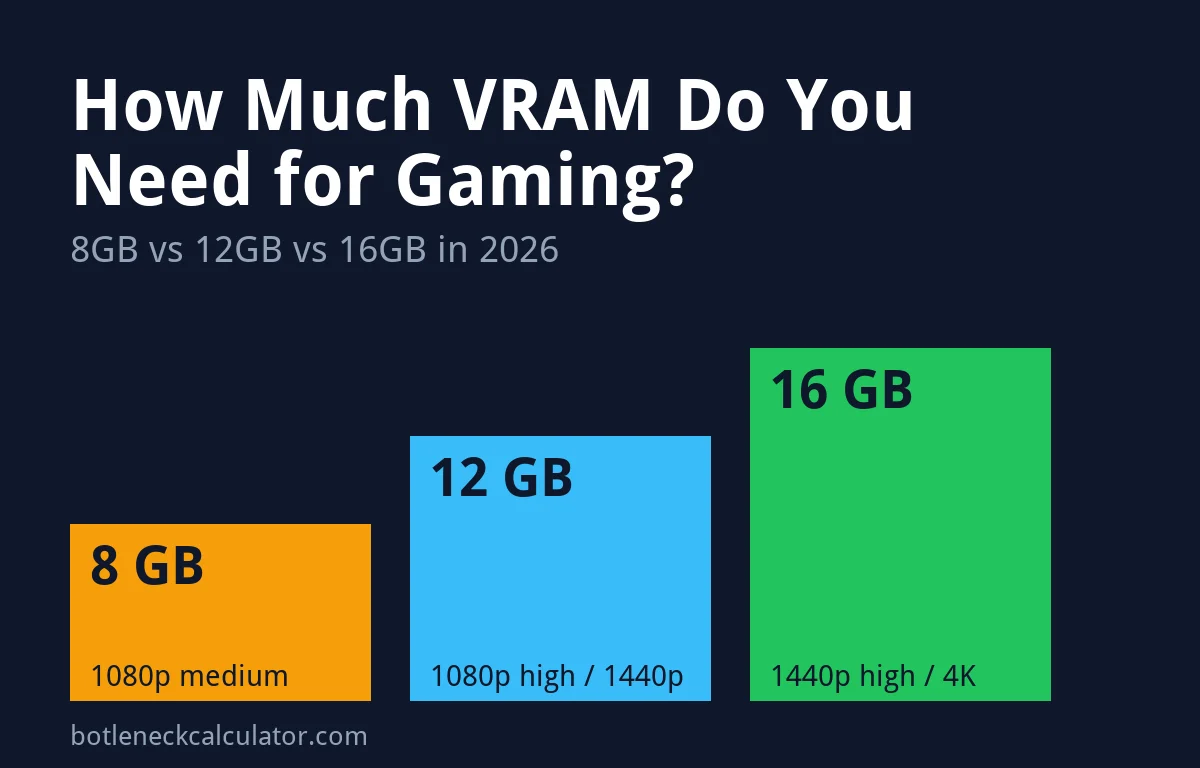
Table of ContentsShow or hide all 8 sectionsShowHide
How much VRAM do you need for gaming? Quick answer
| VRAM | Our verdict | Best for |
|---|---|---|
| 8 GB | Minimum | 1080p at medium settings, esports and older games. Expect problems in new games at high settings. |
| 12 GB | Safe middle | 1080p at high settings and 1440p at medium to high settings. |
| 16 GB | Best choice | 1440p at high settings, 4K, ray tracing and a card you want to keep for years. |
This table is our own recommendation based on the tests below. It is not a hard rule, because the amount you need changes from game to game and with texture quality, ray tracing and upscaling.
Is 8 GB of VRAM enough for gaming in 2026?
Only at 1080p with medium settings. In Tom’s Hardware’s test of the RTX 5060 Ti 8 GB against the 16 GB version, the 8 GB card was only about 2.3% slower on average across 21 games at 1080p medium. The gap grows as settings and resolution go up:
| Setting | 8 GB card vs 16 GB card (21-game average) |
|---|---|
| 1080p medium | About 2.3% slower |
| 1080p ultra | About 11% slower |
| 1440p ultra | About 18% slower |
| 4K ultra | About 42% slower |
With ray tracing the gap is bigger. The same test found the 8 GB card about 26% slower at 1080p ultra and about 40% slower at 1440p ultra in the ray-traced games. In Indiana Jones and the Great Circle, the 8 GB card would not run well above 1080p medium and dropped to 1.3 FPS in one test, while the 16 GB card ran it up to 4K.
TechSpot reached a similar view when it compared the 8 GB RTX 5060 Ti with the 12 GB Intel Arc B580. It said 8 GB “isn’t enough” in 2025 and that the card will age poorly. It also found that 8 GB can still run most games if you pick the right settings.
What happens when you run out of VRAM
The average FPS often looks fine, but the game feels worse. These are the signs TechSpot and Tom’s Hardware saw:
- Stutter and weak 1% lows. In The Last of Us Part II at 1440p with upscaling, the averages were similar, but the 8 GB card had 1% lows about 60% lower and uneven frame times.
- Blurry textures. In Space Marine 2 at 4K, the 8 GB card dropped the high-resolution textures to avoid poor performance, so the picture looked blurry.
- Very low FPS. In Horizon Forbidden West at 4K with upscaling, the 8 GB card was described as unusable.
- Frame generation can fail. Tom’s Hardware noted that DLSS Multi-Frame Generation can break when VRAM is full.
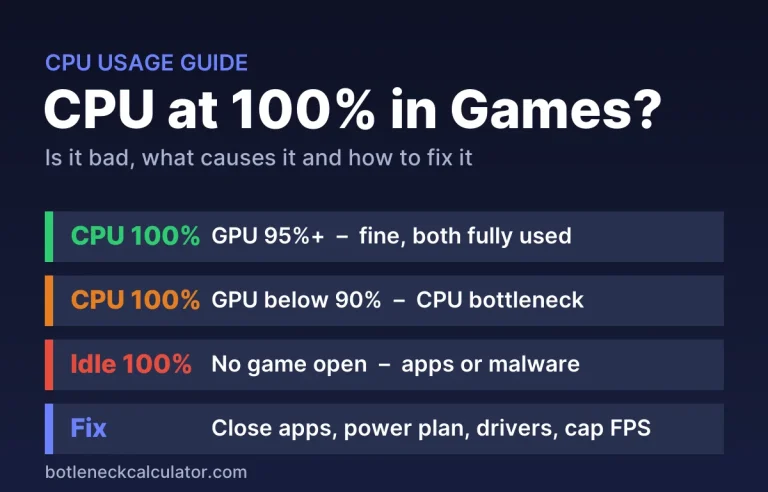
If your FPS is fine but the game keeps stuttering, VRAM is one cause to check, along with RAM and CPU limits. Our guide on why GPU usage is low in games helps you tell them apart.
Is 12 GB of VRAM enough?
For most players at 1080p and 1440p, yes. In TechSpot’s tests, the 12 GB Arc B580 kept smooth frame times in several games where the 8 GB card struggled, such as Horizon Forbidden West at 1440p with upscaling. But 12 GB is not a safe choice for 4K. The same review showed the B580 hitting its limit in The Last of Us Part II at 4K, where the reviewer said 16 GB is really needed.
Is 16 GB of VRAM worth it?
If you play at 1440p or 4K, or want ray tracing, yes. Tom’s Hardware found the 16 GB RTX 5060 Ti gave better FPS per dollar at every resolution it tested, about 7% better at 1080p ultra, 17% at 1440p and 66% at 4K, at the launch prices of $379 (8 GB) and $429 (16 GB). A reader argued that at 1080p ultra the extra cost roughly equals the extra speed, so the 16 GB card is not a big win there.
16 GB also makes the card last longer, because new games keep asking for more memory. See our best graphics cards for gaming guide for current picks, or the best GPU for 1440p 144Hz page if you play at that resolution.
How to check how much VRAM your games use
- Start your game and play for a few minutes.
- Press Ctrl + Shift + Esc to open Task Manager (you may need to Alt + Tab out of the game).
- Open the Performance tab and choose your GPU.
- Look at Dedicated GPU memory. If it is close to your card’s total VRAM, the game is near the limit.
You can also use an overlay tool such as MSI Afterburner. Our guide on how to monitor PC performance while gaming shows how. Not sure which card you have? Read how to check what graphics card you have.
How to use less VRAM
- Lower texture quality first. It uses the most VRAM and costs the least detail on a small screen.
- Turn off or lower ray tracing, which uses extra VRAM.
- Drop resolution one step, or use upscaling, which renders at a lower resolution. Some games still hit the limit with upscaling on, so test it.
- Close browsers and overlays, which also use some VRAM.
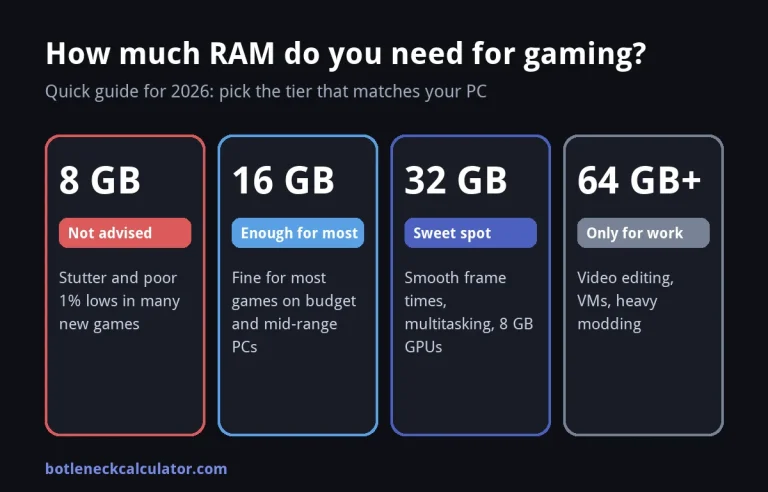
Planning an upgrade? Do not buy by VRAM alone. A card with more memory but a weak chip is not faster, and an old CPU can hold back a new card. Check the pair in our bottleneck calculator first, and read how GPU benchmarks work. Memory in the rest of the PC matters too, see how much RAM you need for gaming.
Sources: TechSpot – RTX 5060 Ti 8GB vs Intel Arc B580; Tom’s Hardware – RTX 5060 Ti 8GB vs 16GB face-off.
Frequently asked questions
Is 8 GB of VRAM enough for 1080p gaming?
At medium settings, yes. Tests show only a small gap to a 16 GB card there. At high or ultra settings in new games, 8 GB starts to cause stutter and lower FPS.
How much VRAM do I need for 1440p?
We suggest 12 GB as a minimum and 16 GB for high or ultra settings and ray tracing. 8 GB works only if you lower texture quality.
How much VRAM do I need for 4K?
16 GB. In the tests above, 8 GB was about 42% slower at 4K ultra, and even 12 GB reached its limit in some games.
Does more VRAM increase FPS?
Only when the game needs more memory than the card has. Once you have enough, extra VRAM adds no FPS. The speed of the GPU chip matters more.
Can system RAM make up for low VRAM?
A little, because the game can spill data into system RAM, but this is much slower and causes stutter. It does not replace real VRAM.