How Much RAM Do You Need for Gaming? (8GB, 16GB, 32GB in 2026)
For gaming in 2026, 16 GB of RAM is the minimum and 32 GB is the best choice. 16 GB runs most games well, 8 GB causes stutter in many new games, and 64 GB only helps if you also edit video or run virtual machines. In the September 2026 Steam Hardware Survey, 32 GB (42.22%) overtook 16 GB (37.82%) as the most common amount of memory on gaming PCs.
Below you will see what each amount means for FPS and stutter, why graphics cards with 8 GB of VRAM need more system RAM, and how to check how much your own PC uses. You can also test your own parts in our bottleneck calculator, which lets you pick 8, 16, 32 or 64 GB of RAM.
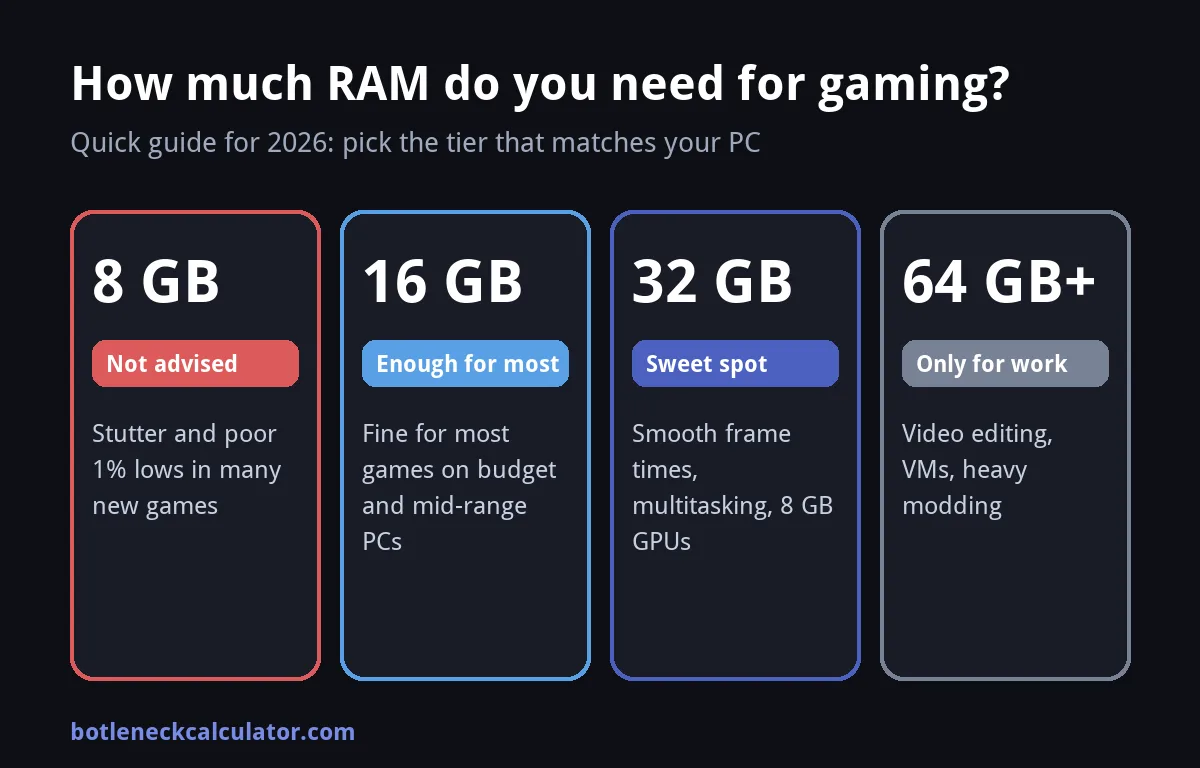
Table of ContentsShow or hide all 11 sectionsShowHide
How much RAM do you need for gaming? Quick answer
| RAM | Verdict | Best for |
|---|---|---|
| 8 GB | Not recommended | Older games and light esports. Expect stutter in many new games. |
| 16 GB | Enough for most games | Budget and mid-range gaming PCs, esports and most single-player games. |
| 32 GB | Best choice (sweet spot) | Modern AAA games, streaming, many background apps and PCs with an 8 GB graphics card. |
| 64 GB or more | Not needed for gaming | Video editing, 3D work, virtual machines and heavy modding. |
Is 8 GB of RAM enough for gaming?
No, not for new games. TechSpot tested the same PC with memory limited to 8, 16 and 32 GB, and 8 GB gave frequent stutter and weak 1% lows in several recent games. It is only playable in a few titles, and it fails badly in others. The average FPS can look fine, but the game feels choppy because frame times jump around.
8 GB is still usable for older games, browser games and light esports titles. If you play new games, treat 8 GB as the first thing to upgrade. It is often cheaper than a new graphics card and fixes stutter that a faster GPU cannot.
Is 16 GB of RAM enough for gaming?
Yes, for most players. In TechSpot test, 16 GB matched 32 GB in many games, including Cyberpunk 2077, Black Myth: Wukong and Doom: The Dark Ages, with a browser and Discord open in the background. 16 GB is the sensible choice for a budget or mid-range build, especially if you play esports or older games.
The limit shows up in the heaviest games and with many apps open. TechSpot reported about 18 GB in use in Marvel Rivals and Borderlands 4, and about 20 GB in Mafia: The Old Country, where 16 GB gave poor frame times. If you stream, keep a browser with many tabs open or run Discord and recording tools at the same time, 16 GB fills up quickly.
Is 32 GB of RAM worth it for gaming?
For a new PC, yes. 32 GB gives smooth frame times in the heaviest games, leaves room for background apps, and protects you from running out of memory in future releases. TechSpot calls 32 GB the sweet spot for gamers, and the Steam survey shows that most gaming PCs have now moved to it.
The gain is not extra FPS. In most games 32 GB gives the same average FPS as 16 GB. The benefit is fewer stutters and better 1% lows in the games that need more than 16 GB. If your PC already shows low memory use while gaming, you will not feel a difference.
Do you need 64 GB of RAM for gaming?
No. TechSpot found no gain from 64 GB over 32 GB in the games it tested. Buy 64 GB only if you also edit 4K video, render 3D scenes, run virtual machines or use very large mod packs. For gaming, the money is better spent on a faster graphics card or CPU. You can see where your parts rank in our GPU tier list.
Why 8 GB graphics cards need more system RAM
When a game needs more video memory (VRAM) than your graphics card has, the extra data spills into system RAM. If there is not enough system RAM either, Windows starts using the slow page file on your drive, and the game stutters badly.
TechSpot saw this with an 8 GB RX 9060 XT. In Spider-Man 2, going from 16 GB to 32 GB of system RAM improved the 8 GB card 1% lows by more than 60%, while the 16 GB version of the same card barely changed. So if your graphics card has 8 GB of VRAM, 32 GB of system RAM is a safer choice. Not sure how much VRAM you have? Follow our guide on how to check what graphics card you have.
How to check how much RAM your games use
- Press Ctrl + Shift + Esc to open Task Manager and go to the Performance tab.
- Click Memory. The top of the page shows your total RAM, and the graph shows how much is in use.
- Start your game, then alt-tab back to Task Manager and watch the In use number during normal play, not in the menu.
- If memory use stays near 85 to 90% of your total, or the Committed number is higher than your RAM, more memory will help.
For live numbers inside the game, use an overlay such as MSI Afterburner. Our guide on how to monitor CPU and GPU usage while gaming shows the full setup.
Does more RAM increase FPS?
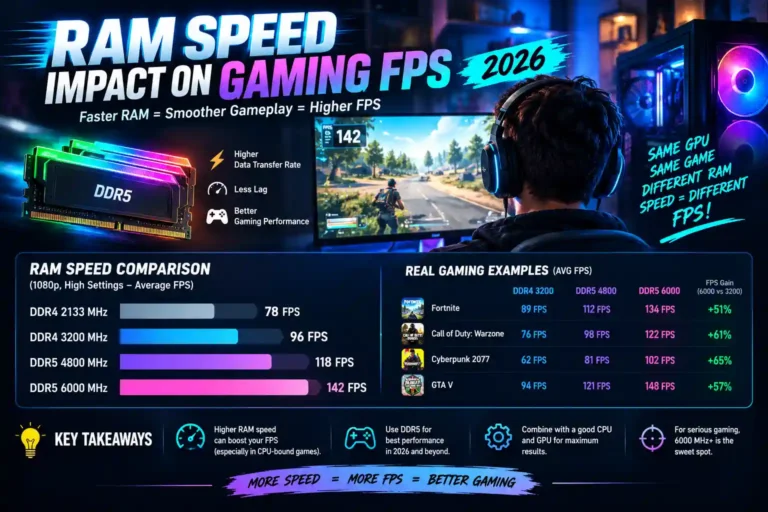
Only if you were short of RAM. Once you have enough, adding more does not raise FPS. What changes FPS is the speed and setup of the memory, not the amount. Read our guide on whether RAM speed impacts gaming for the details.
If your PC still stutters with enough RAM, the cause is probably somewhere else. See why a high-end PC still stutters and how to fix a bottleneck without upgrading.
Set up your RAM correctly
- Use two sticks, not one. Two sticks run in dual channel, which is faster than a single stick of the same total size. For 32 GB, buy 2 x 16 GB.
- Turn on XMP or EXPO in the BIOS. Otherwise your memory runs at a slow default speed.
- Match your platform. Check whether your motherboard uses DDR4 or DDR5 before you buy.
- Keep it simple. Using four sticks can force lower speeds on some boards, so two larger sticks are usually the better choice.
Check your own PC in the calculator
RAM is one part of the picture. Pick your CPU, GPU, resolution and RAM in our free bottleneck calculator to see which part limits your games. With only 8 GB of RAM, the calculator lowers the effective score of your CPU, because modern games stutter when memory runs out. You can read how this works on our How We Calculate page. Want to know if a specific game will run? Try the Can I Run It tool.
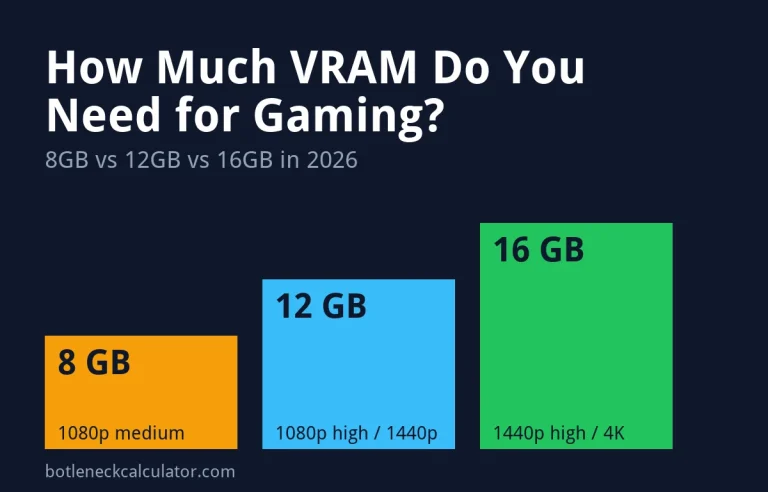
Also check your graphics card memory: see how much VRAM you need for gaming.
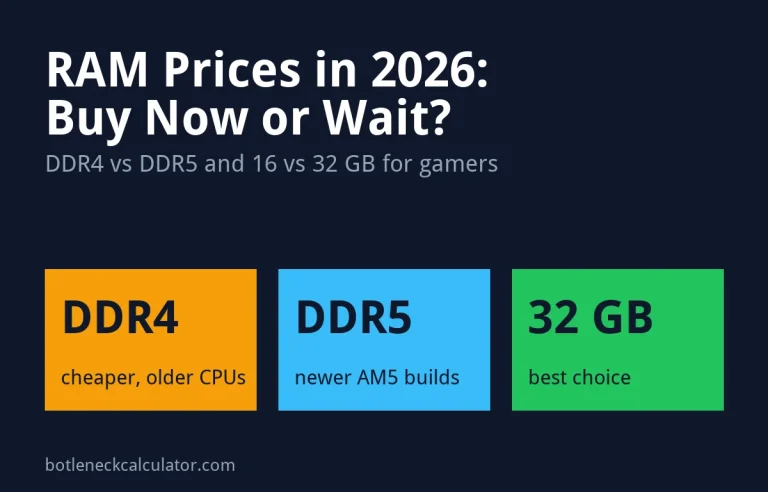
Worried about rising prices? Read RAM prices in 2026: should gamers buy now or wait.
Sources: TechSpot – How much RAM do you need for gaming in 2026; MIXED – Steam Hardware Survey, September 2026.
Frequently asked questions
Is 16 GB of RAM enough for gaming in 2026?
Yes, for most games and most players. 16 GB is fine for esports, older games and many new ones. A few very heavy games and heavy multitasking can use more, so 32 GB is the safer choice for a new build.
Is 32 GB of RAM overkill for gaming?
No. 32 GB is now the most common amount on Steam and gives smoother frame times in the heaviest games. It will not raise average FPS in most games, but it prevents stutter when games or background apps need more than 16 GB.
Does RAM affect FPS?
Not directly, once you have enough. Too little RAM causes stutter and low 1% lows. After that, extra capacity does not add FPS. Memory speed and dual-channel setup matter more than size.
How much RAM do I need for streaming and gaming?
Aim for 32 GB. Running a game, streaming software, a browser and chat at the same time can use more than 16 GB.
Can I mix different RAM sticks?
It can work, but it is not recommended. Different sizes, speeds or brands can force lower speeds or cause crashes. Buy a matched kit of two sticks instead.